New
Import 3D Models
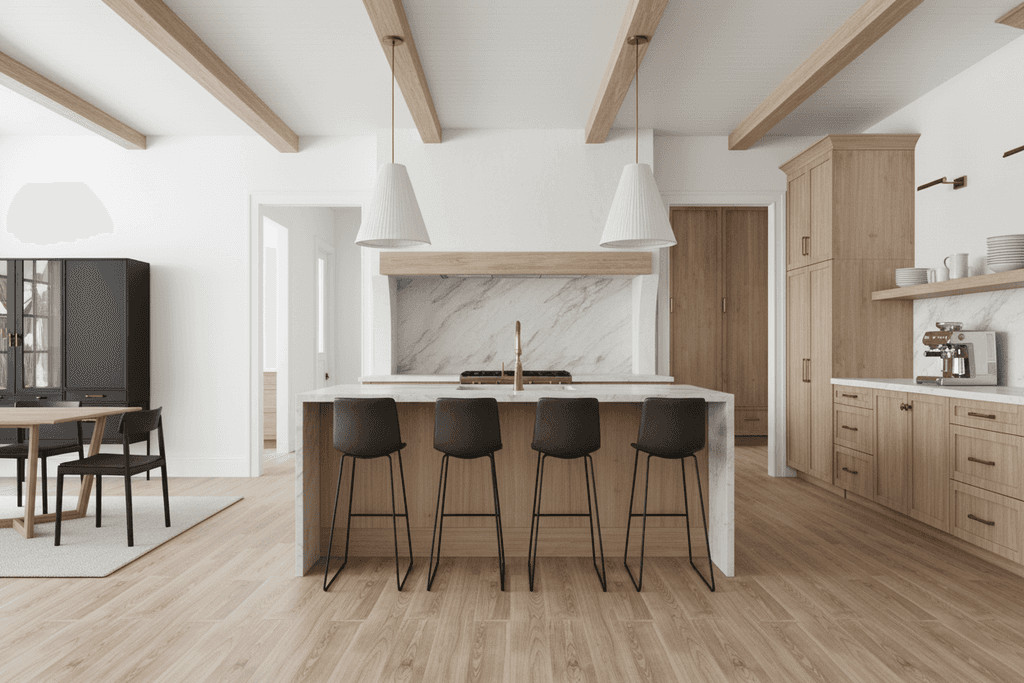
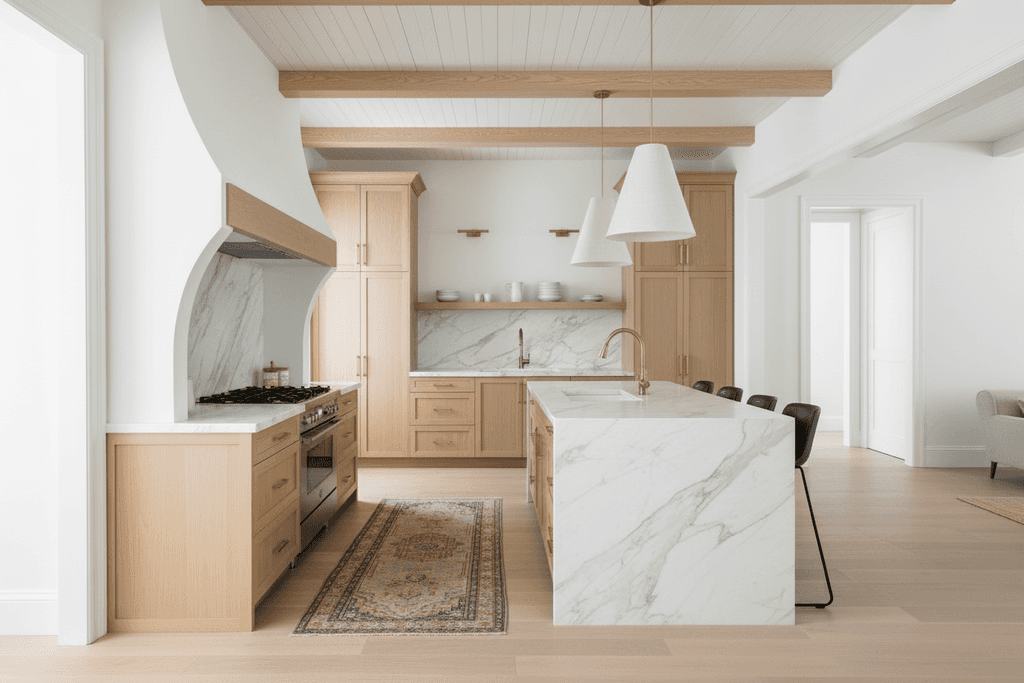
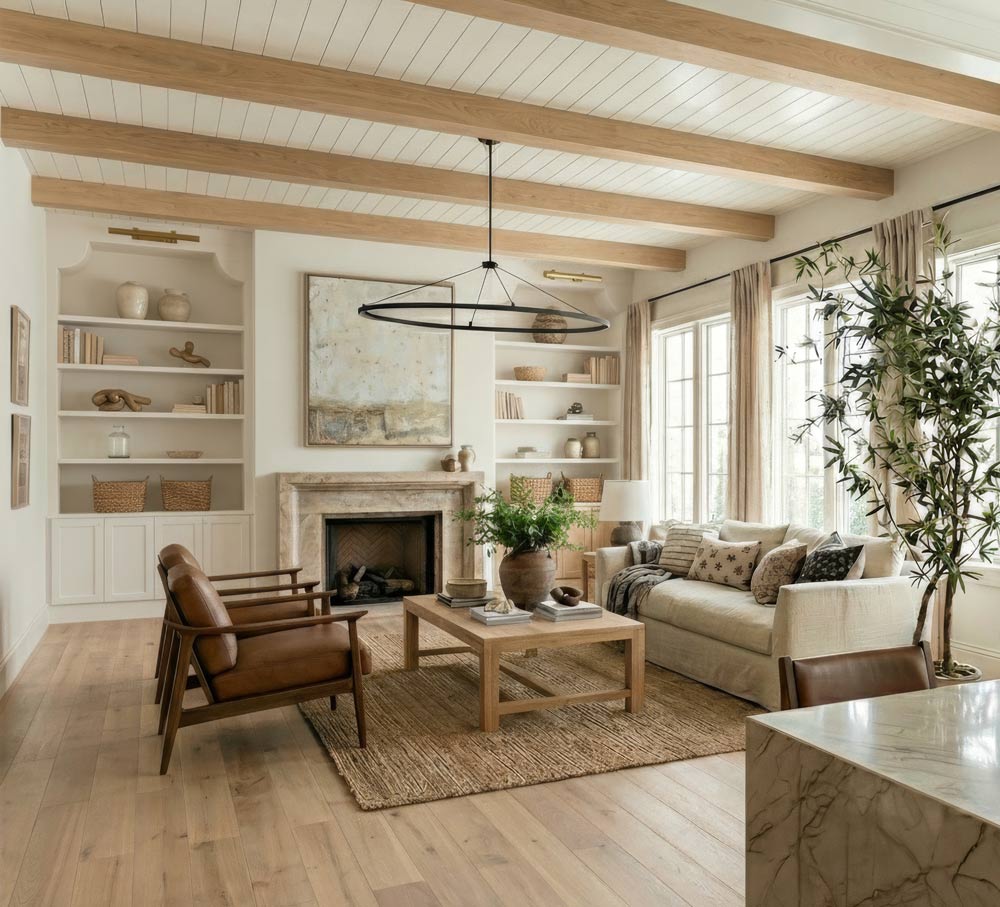
AI Render SketchUp Interior Projects in Seconds
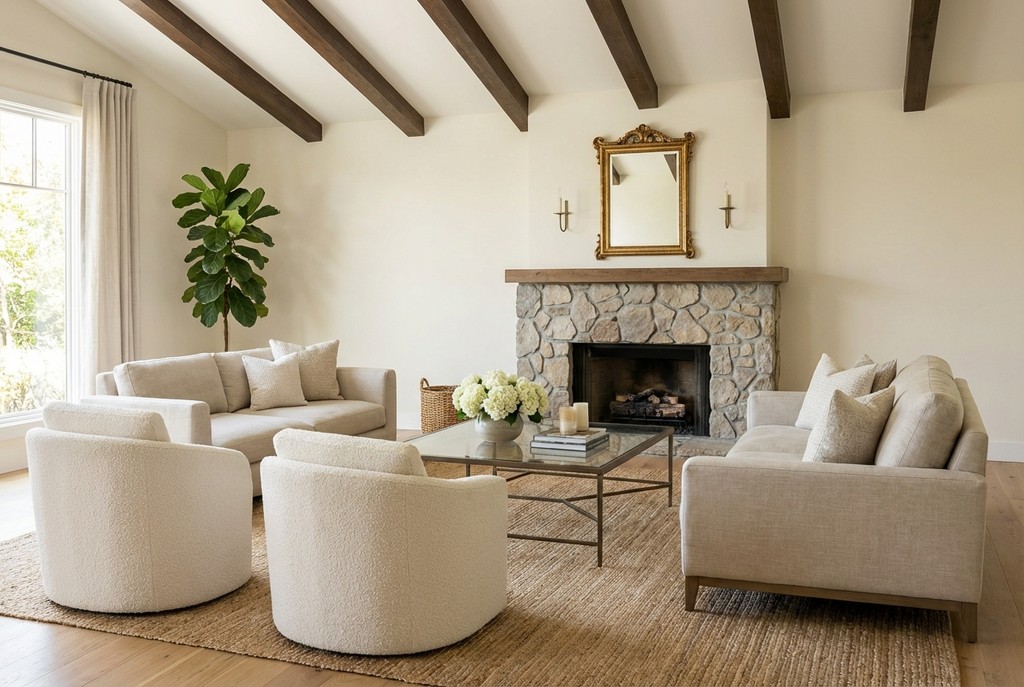
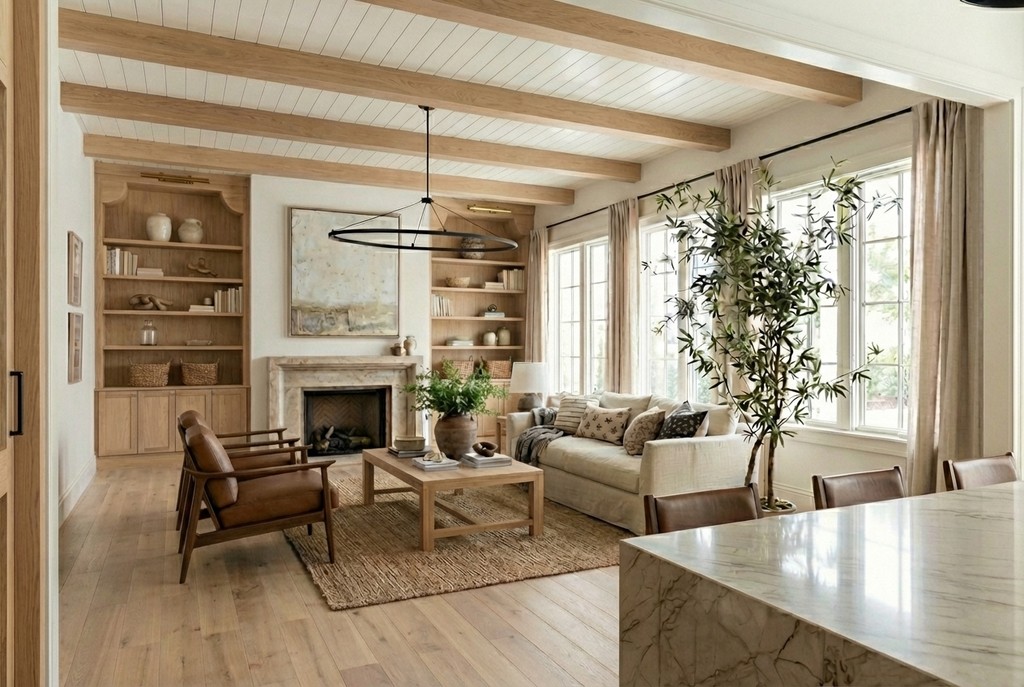
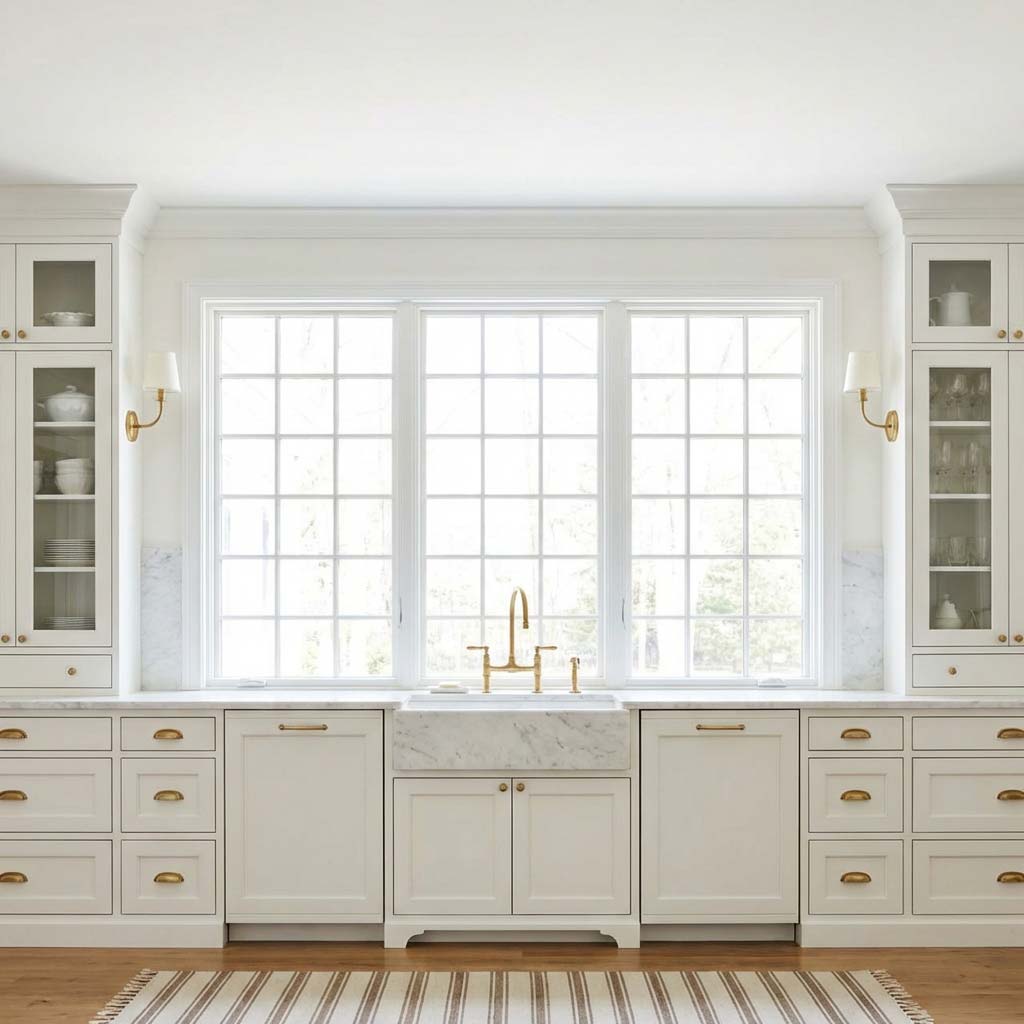
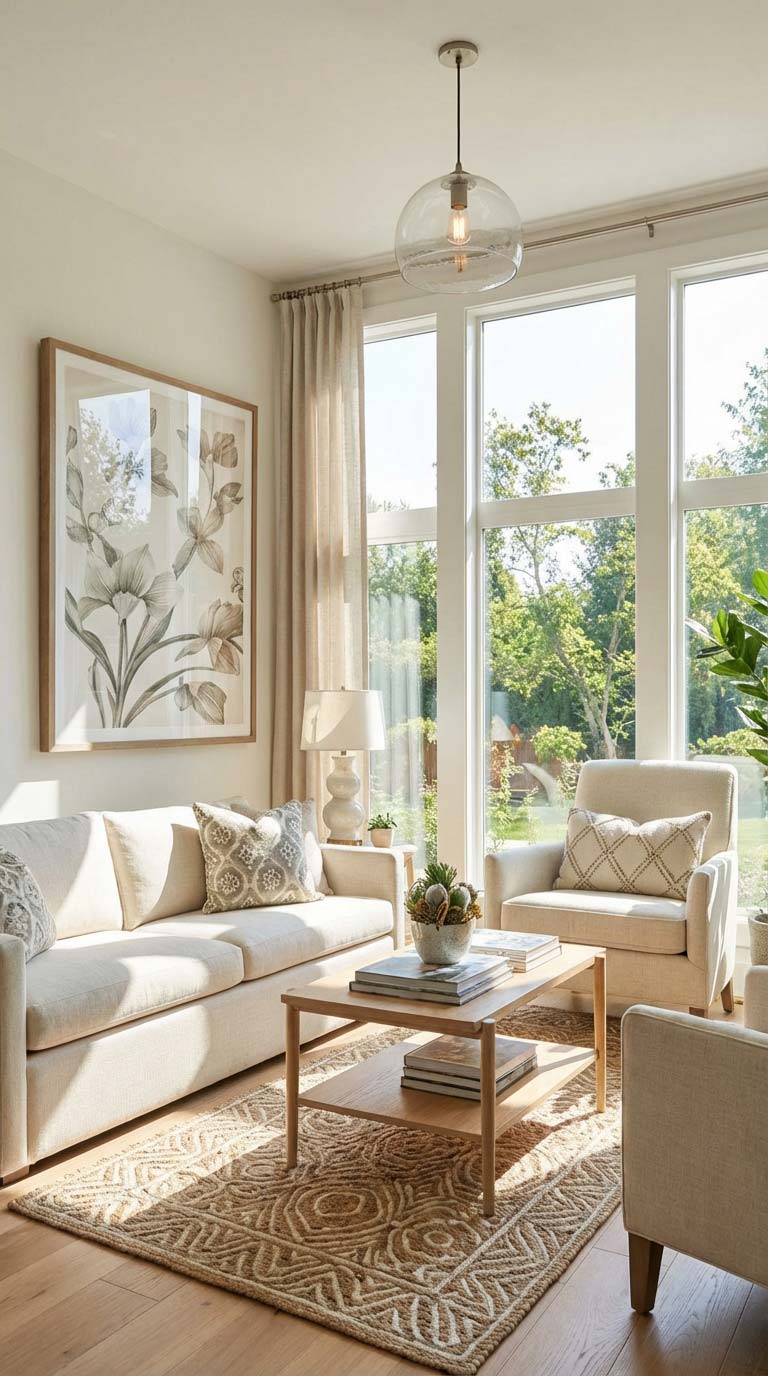
ArchRender offers architects and designers a fast and straightforward AI render solution tailored for interior projects. It transforms your SketchUp models and images into lifelike visuals without complex setups.

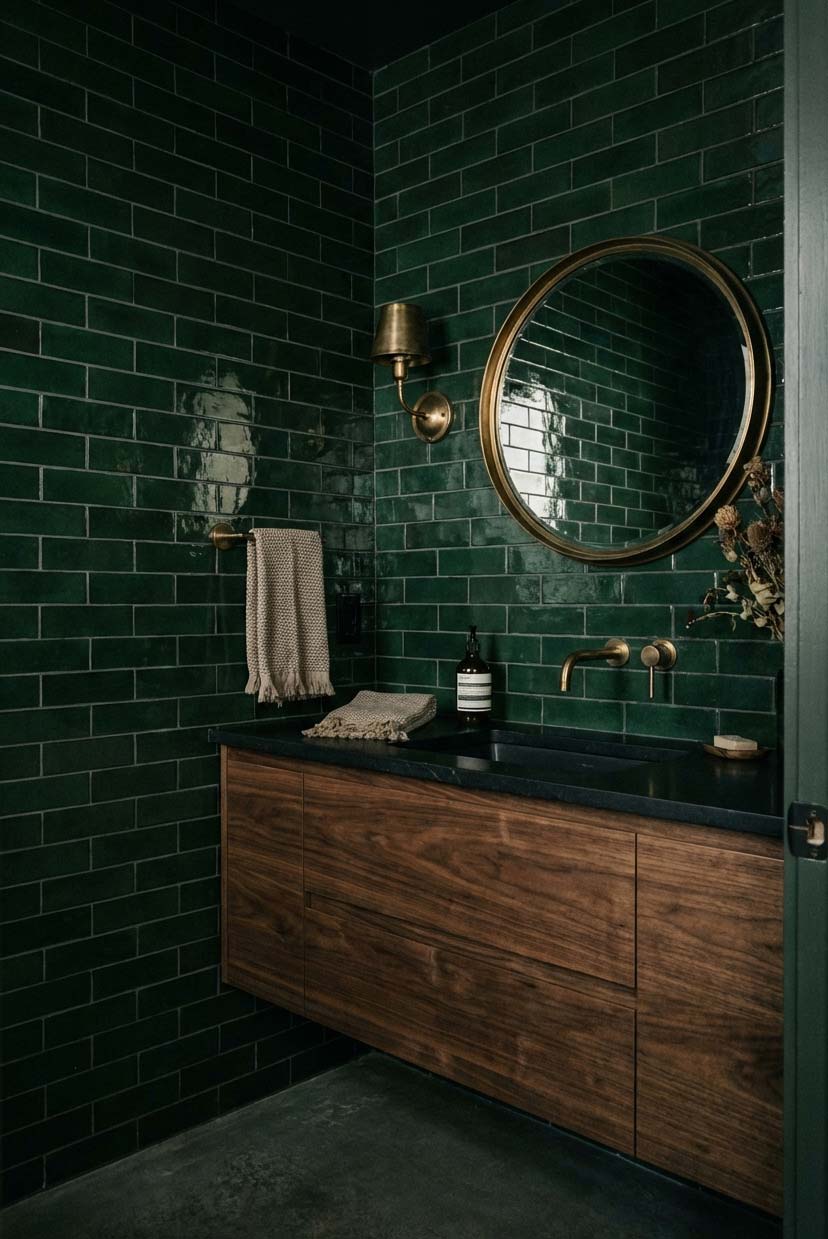
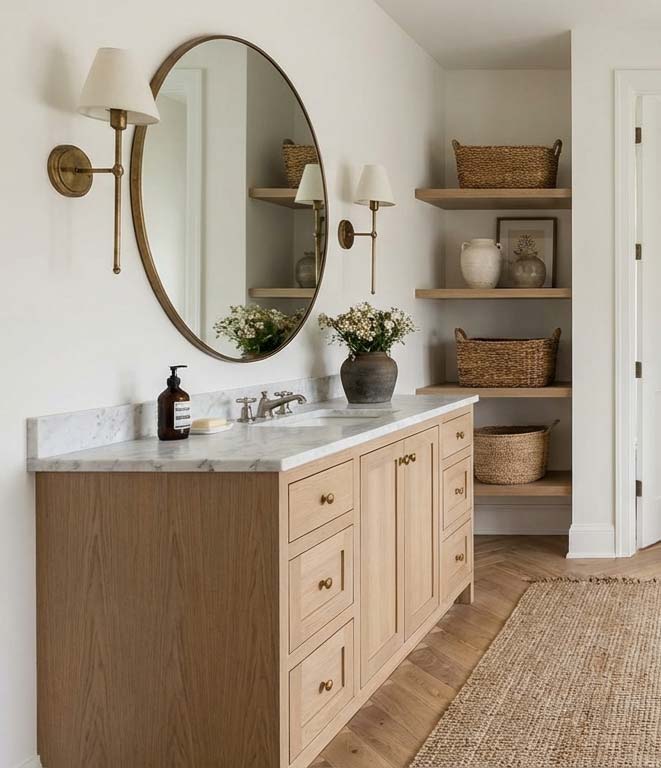
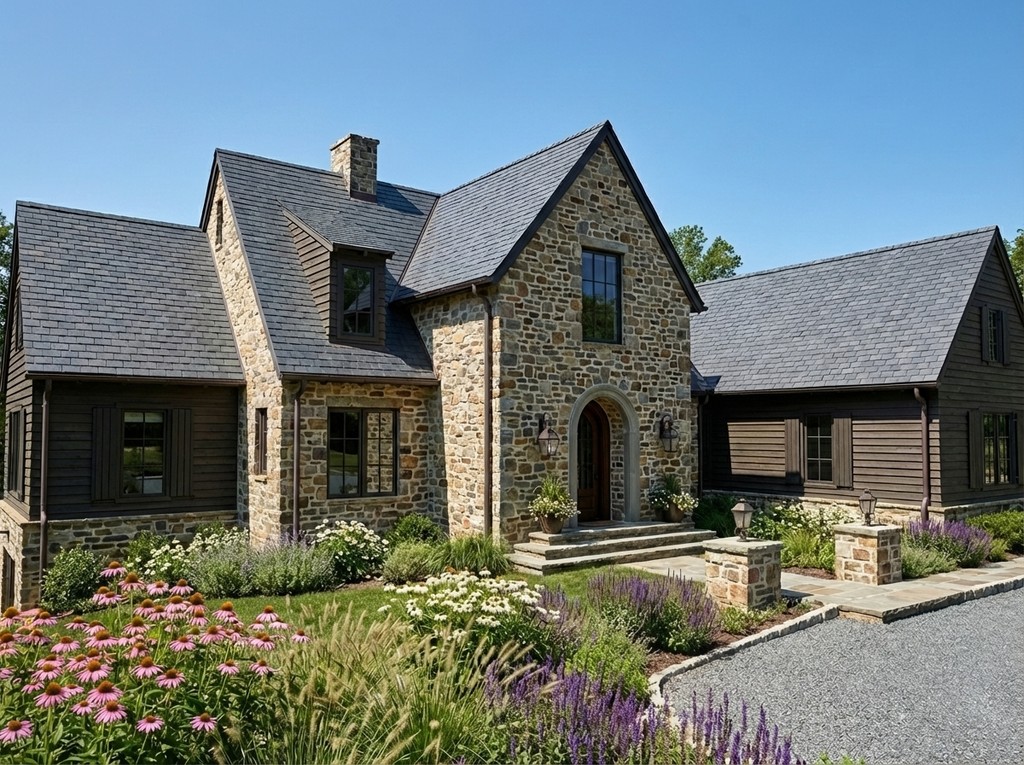
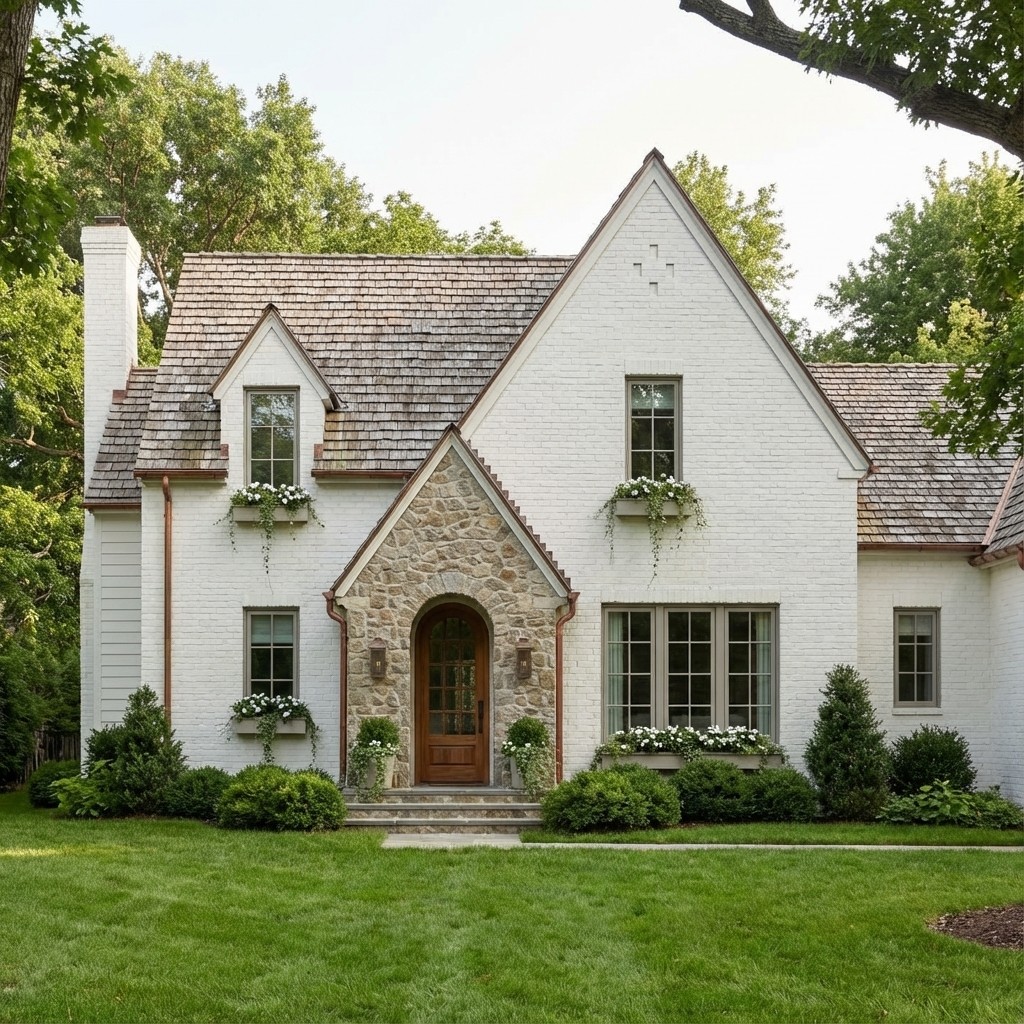
IMPORT & RENDER
3D Models from
SketchUp
Bring in models from popular architectural software, find the perfect angle, and generate beautiful renders. No complicated lighting and scene setup required.
Supported file types: OBJ, FBX, GPL




USING ARCHRENDER WITH
SketchUp
If you're working in SketchUp, ArchRender streamlines the rendering process by accepting your 3D models directly, keeping your workflow smooth and efficient. You'll find it easy to enhance interiors with rich details simply by uploading your designs.
The platform organizes all renders and source images within a single project, so your files remain tidy as your interior concepts develop. Adjust settings like season and time of day to reflect the mood you want, using intuitive controls and brief text prompts.
ArchRender emphasizes speed and ease, producing interior renders in just seconds. Without the need for complicated scene preparation, you can quickly generate visuals that help convey your design intent clearly and professionally.
More Use Cases
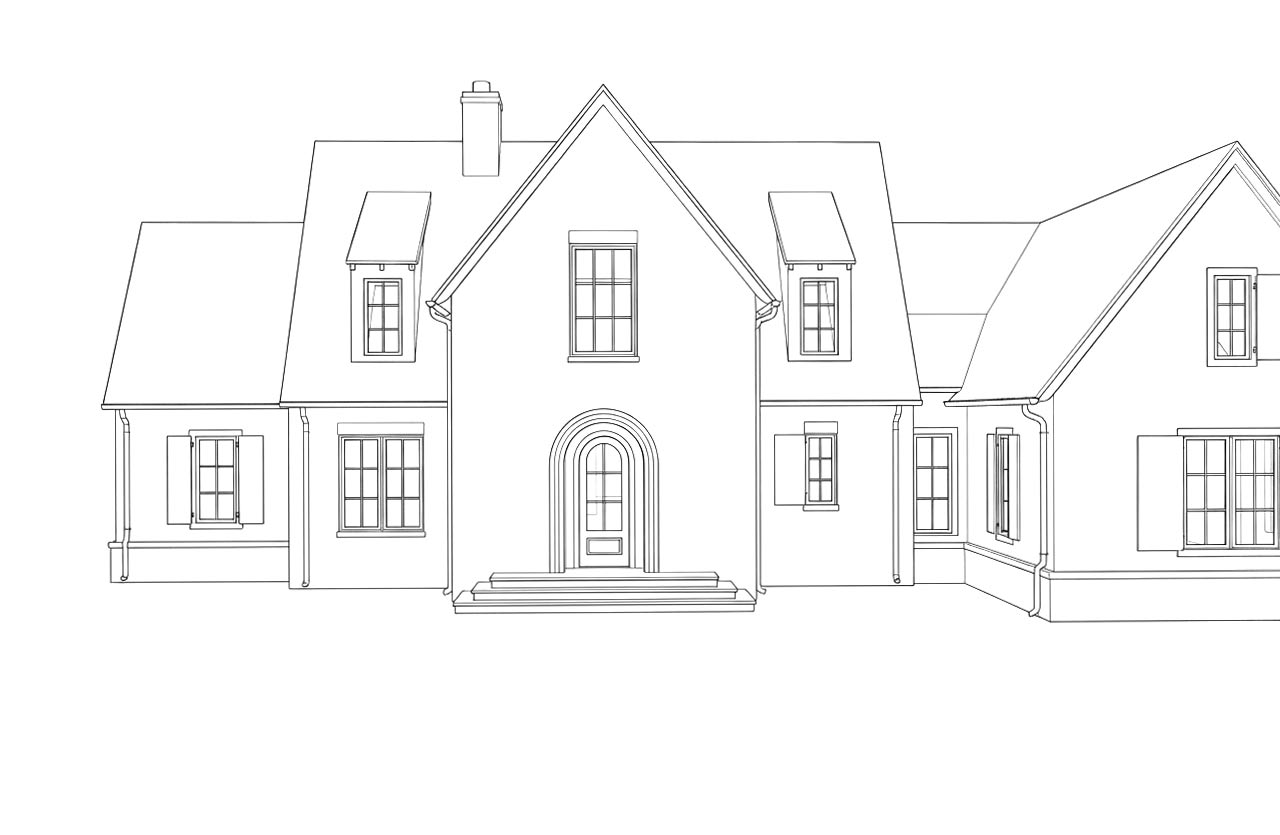
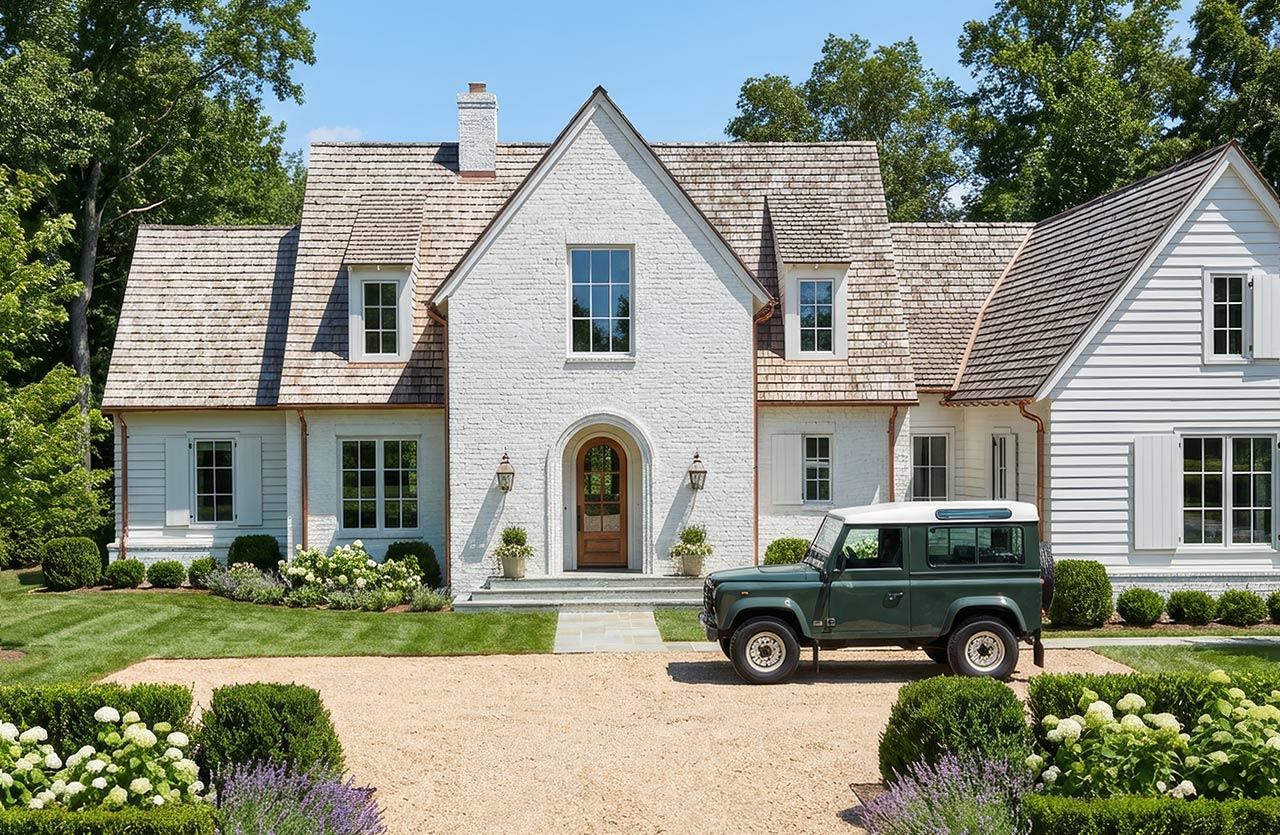
Season Control
Adjust the season to visualize designs in spring, summer, fall, or winter conditions, helping clients understand how a project looks year-round.
Time of Day
Control lighting conditions by setting the time of day to explore how light, shadows, and atmosphere affect the design.
Environment
Choose from different surrounding environments to place designs in context, from natural landscapes to more developed settings.
3D Model View Controls
Dial in your view before rendering. Change the angle, adjust the FOV, and set the ideal aspect ratio for export-ready scenes.
Exterior & Interior Mood Boards
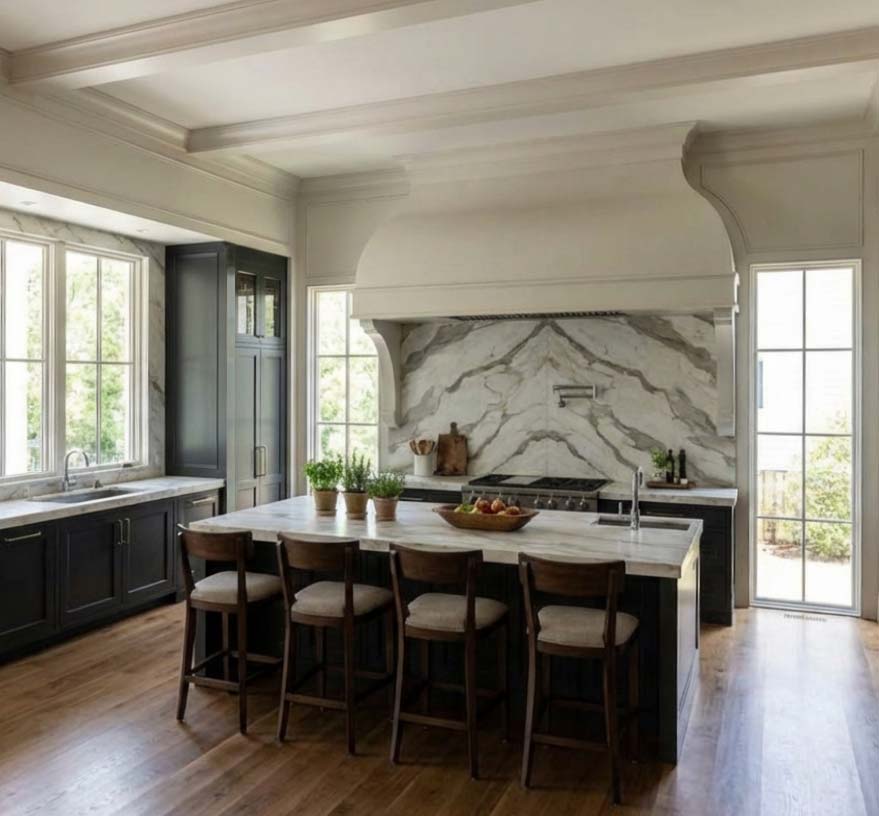
Drop in a single inspiration board and the AI will interpret the colors, finishes, and style. Then translate them into your final image.
4K Upscaling
Turn any render into crisp, high-resolution 4K. Perfect for presentations, client proposals, and print-ready marketing.
Prompt-Driven Control
Use natural language to guide materials, style, mood, and lighting. Just describe the look you’re going for. ArchRender brings it to life.
Save Your Prompts
Save custom prompts and apply them to future renders instantly, keeping your unique style at your fingertips.
Edit Mode
Edit Mode lets you iterate, explore alternate styles, and perfect your vision, one click at a time.
SIMPLE WORKFLOW
How it Works
FAST RENDERS
A New Standard for Render Quality and Speed
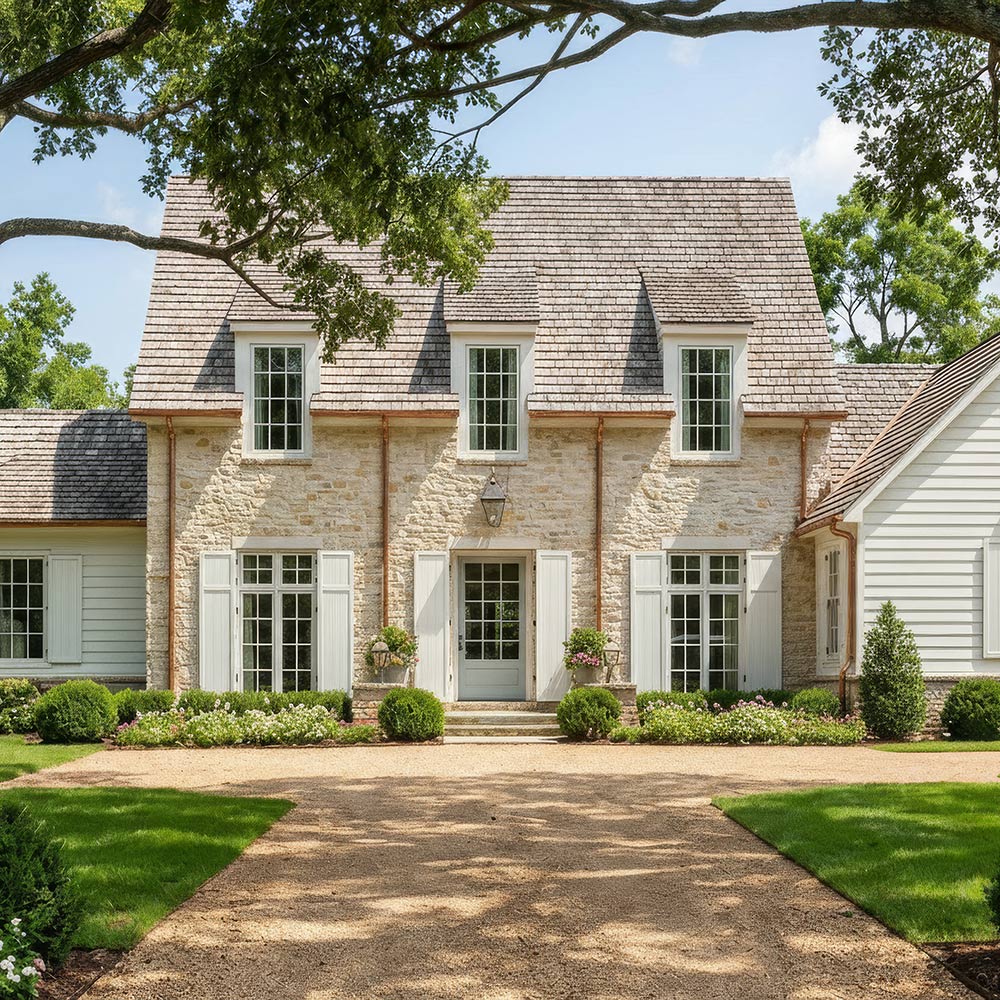
ArchRender.ai produces visual results that traditionally require complex setups, long render times, and specialized rendering expertise.
Project-Based Workflows for Real Design Work
Organize files and keep work moving without losing context.
Everything in One Place
All renders and source images are saved together inside a project, so files stay organized as designs evolve.
Version-Friendly Iteration
Generate multiple options, explore variations, and compare results without overwriting previous work
Built for Ongoing Work
Return to projects at any time to refine visuals, make updates, or continue where you left off — even weeks later.
EXTERIORS & INTERIORS
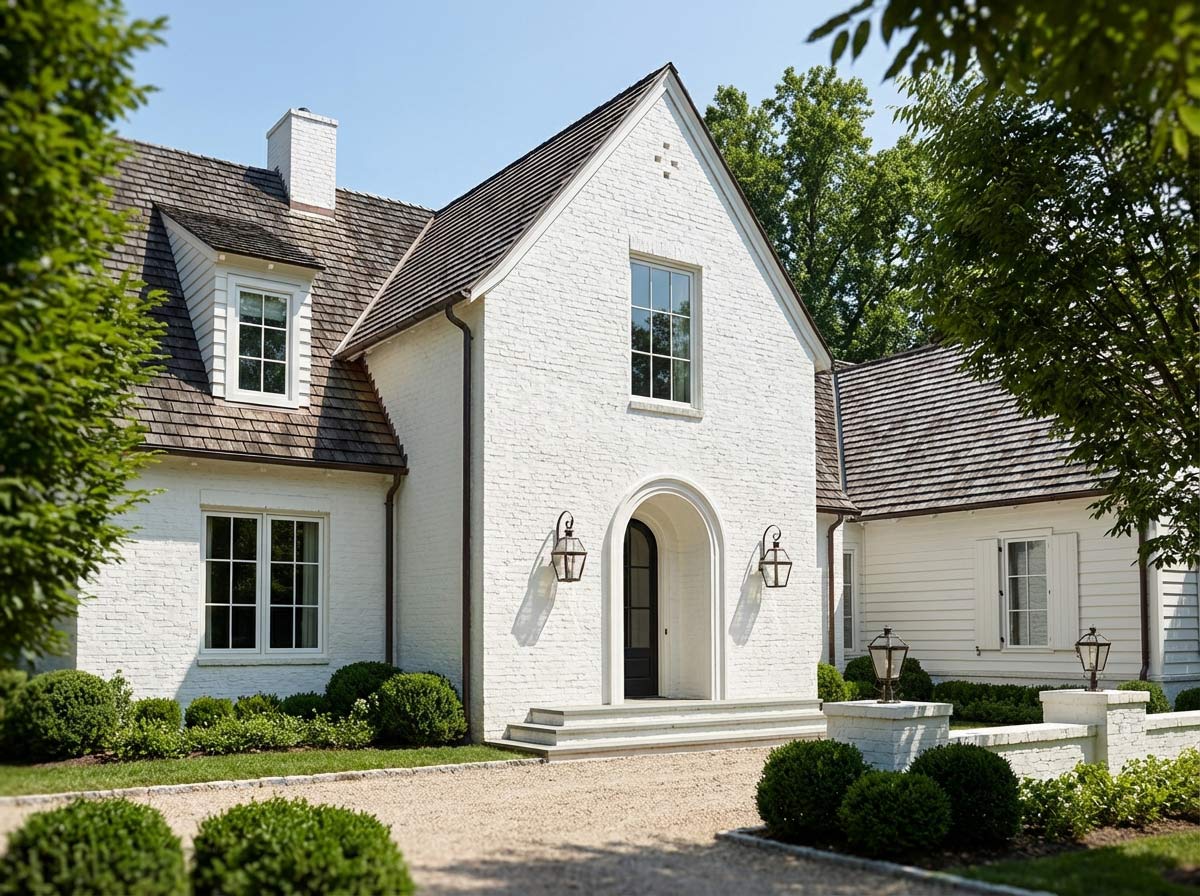
From Vision to Reality in Seconds
Architects and designers can instantly preview interiors from drawings or models. Perfect for client presentations or planning your own space.
Frequently asked questions
Find quick answers to common questions about ArchRender.
What is render ai?
Who is ArchRender for?
Do I need rendering experience to use ArchRender?
How fast can I get results?
What 3D file types are supported?
How realistic are the results?
How does the credit system work?
Flexible pricing plans
Choose a plan that grows with you. Start for free and upgrade anytime for more features and support