ArchRender vs mnml.ai
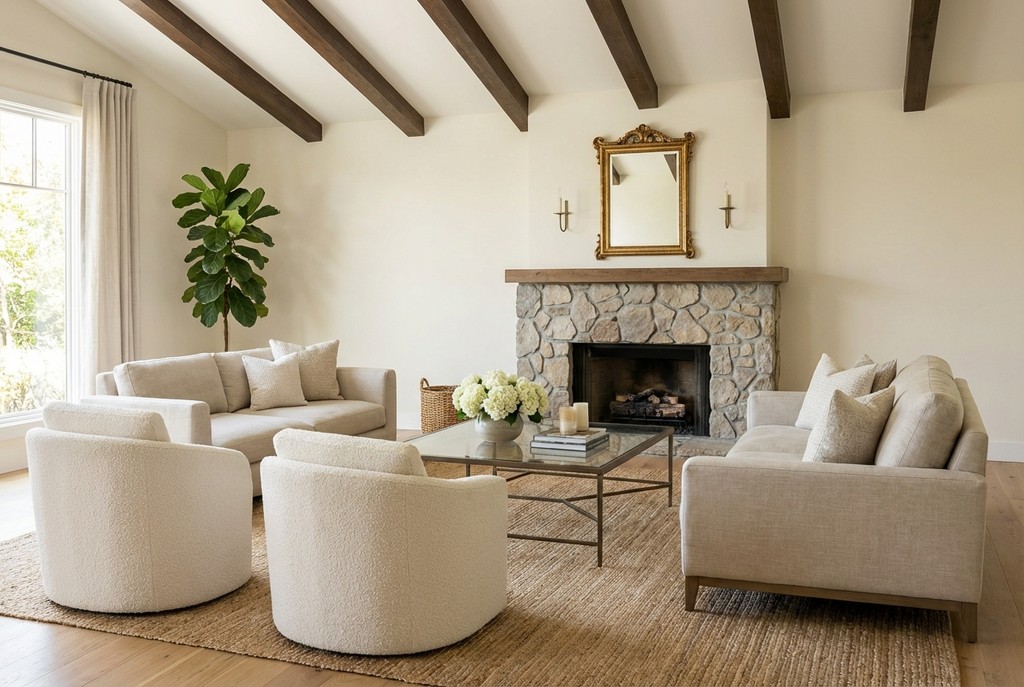
mnml.ai and ArchRender have the same price points ($29, $49 and $119 a month) and both turn sketches and models into renders with AI. The differences are in how credits are counted and in the workflow: ArchRender lets you upload a 3D model and set the camera in the browser, and keeps every render in projects with version history.
The short answer
Choose mnml.ai if: You want plugins for SketchUp, Revit, Rhino or Grasshopper. You need 8K upscaling, which mnml.ai lists¹.
Choose ArchRender if you want to upload OBJ, FBX, GLTF or GLB models and set the camera in your browser, edit just part of a render, upscale to 4K, make short videos, and keep every render organized in projects. You own your renders and can use them commercially.
ArchRender vs mnml.ai: side by side
ArchRender | mnml.ai | |
Starting paid price | $29/month (Basic, 150 credits) | Lite $29 (1,000 credits, about 100 fast renders), Plus $49 (3,000), Studio $119 (10,000)¹ |
Plugins | Web app | SketchUp, Revit, Rhino and Grasshopper¹ |
Upscaling | 4K (1 credit) | Up to 8K¹ |
Scene controls | Interior or exterior, 4 seasons, 6 times of day, 7 environments, prompts, saved prompts, mood boards | Not compared |
Editing | Edit Mode plus area edits that change only the region you select | Not compared |
Upscaling and video | 4K upscaling (1 credit); 5- or 10-second videos (5 or 9 credits) | Not compared |
Ownership of renders | You own your renders and can use them commercially. | See their terms |
“Not compared” means we didn’t verify that feature for mnml.ai, not that it’s missing.
Pricing compared
ArchRender
Basic: $29/month or $278/year. 150 credits a month, 5 projects, 5 GB storage.
Pro: $49/month or $470/year. 300 credits a month, 20 projects, 25 GB storage.
Studio: $119/month or $1,142/year. 800 credits a month, unlimited projects, 100 GB storage.
Standard render or edit: 1 credit (Ultra: 2 credits)
4K upscale: 1 credit
5-second video: 5 credits. 10-second video: 9 credits.
mnml.ai
Lite: $29/month with 1,000 credits (about 100 fast renders, per mnml.ai)¹
Plus: $49/month with 3,000 credits¹
Studio: $119/month with 10,000 credits¹
A one-time $149 credit pack is also listed¹
Credits aren’t comparable one to one: mnml.ai and ArchRender charge different numbers of credits per render. Compare renders per month, not credit totals.
Where ArchRender is different
Render from a sketch, elevation drawing, photo or model screenshot
Upload a 3D model (OBJ, FBX, GLTF or GLB, up to 400 MB), then set the camera angle, field of view and aspect ratio in your browser
Interior or exterior, 4 seasons, 6 times of day and 7 environments
Text prompts, saved prompts, mood boards and style reference images
Edit Mode for any render or photo, plus area edits that change only the region you select
4K upscaling and Video Mode (5- or 10-second clips)
Projects with version history, and teammates who can work in your projects
You own your renders and can use them commercially. Use them for client presentations, marketing, listings and other commercial work. See our Terms of Service for details.
Where mnml.ai may be the better fit
You want plugins for SketchUp, Revit, Rhino or Grasshopper.
You need 8K upscaling, which mnml.ai lists¹.
How to try ArchRender if you use mnml.ai
Export a view from your design software as an image, or export the model as OBJ, FBX, GLTF or GLB.
Create an ArchRender account and start a project.
Upload the image or model, choose interior or exterior, and set the season, time of day and environment.
Describe the materials or add a mood board, then generate.
Refine with Edit Mode, upscale to 4K, or make a short video.
FAQ
Is ArchRender cheaper than mnml.ai?
ArchRender starts at $29 a month for 150 credits, and a standard render uses 1 credit. See the pricing comparison above for mnml.ai’s current plans, and our pricing page for every ArchRender plan.
Do I own the renders I make with ArchRender?
Yes. You own your renders and can use them commercially. See our Terms of Service.
Can ArchRender render my 3D model?
Yes. Upload OBJ, FBX, GLTF or GLB files up to 400 MB, pick your view in the browser and render. SketchUp .skp files need to be exported first.
Can I edit only part of a render?
Yes. Area edits let you select a region and change just that area.
Sources
mnml.ai pricing page, mnml.ai/pricing, checked Oct 22, 2026.
Competitor information comes from public sources as of Oct 22, 2026 and may change. mnml.ai is a trademark of its owner. This page isn’t affiliated with or endorsed by mnml.ai. See all ArchRender alternatives and comparisons.