ArchRender vs Vibe3D
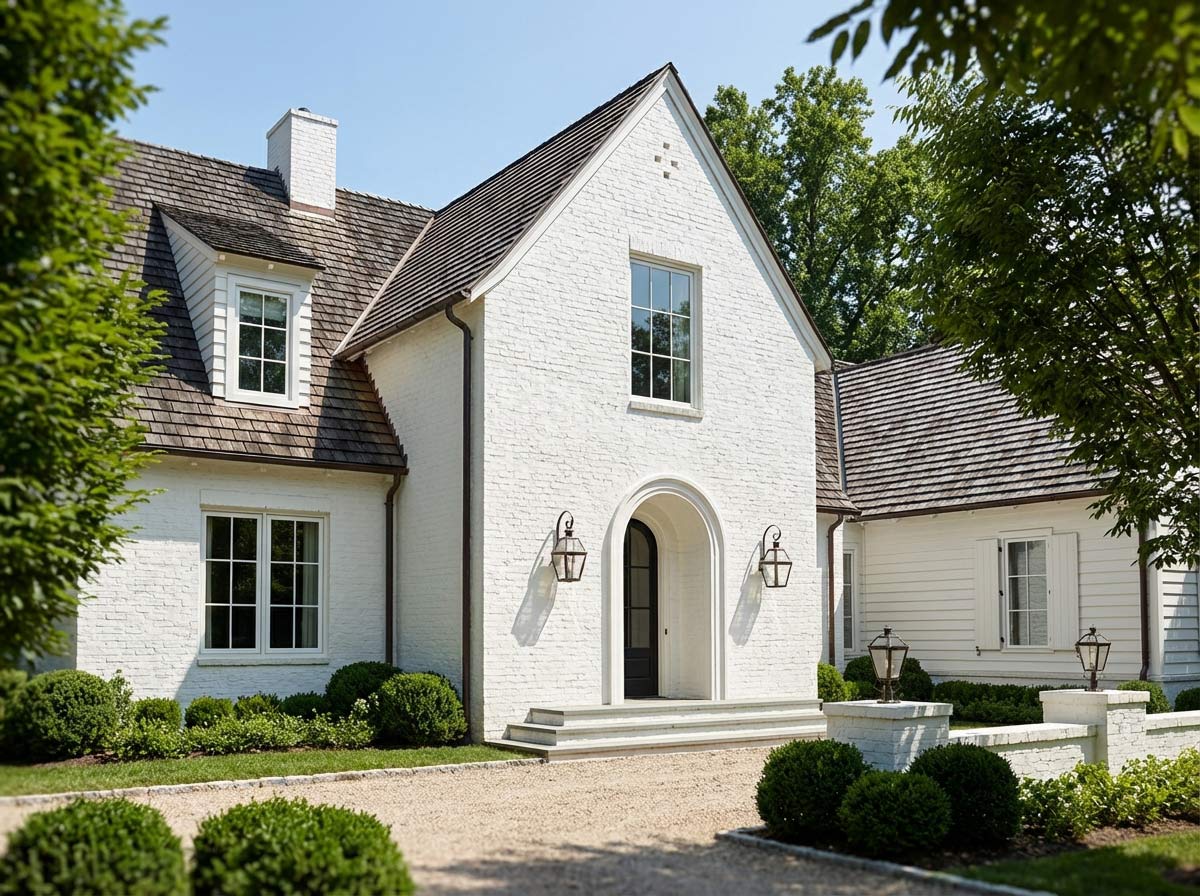
Vibe3D and ArchRender both use AI to turn your design work into photorealistic architectural renders. Vibe3D starts from a screenshot of your model and offers monthly plans or one-time credit packs. ArchRender also lets you upload the 3D model file itself, set the camera in your browser, edit just part of an image and turn renders into short videos.
The short answer
Choose Vibe3D if: You want a lower entry price than $29 a month, one-time credit packs that don’t expire, or unlimited usage on its top plan.
Choose ArchRender if you want to upload OBJ, FBX or GLB models and set the camera in your browser, edit just part of a render, upscale to 4K, make short videos, and keep every render organized in projects. You own your renders and can use them commercially.
ArchRender vs Vibe3D: side by side
ArchRender | Vibe3D | |
Starting paid price | $29/month (Basic, 150 credits) | Starter $19/month (75 credits), Pro $39/month (300 credits), Studio $79/month (unlimited usage). One-time credit packs also available¹ |
Upload a 3D model file | Yes: OBJ, FBX, GLB up to 400 MB | Works from a screenshot of your model, per Vibe3D¹ |
Scene controls | Interior or exterior, 4 seasons, 6 times of day, 7 environments, prompts, saved prompts, mood boards | Not compared |
Editing | Edit Mode plus area edits that change only the region you select | One-click render editing by text prompt¹ |
Upscaling and video | 4K upscaling (1 credit); 5- or 10-second videos (5 or 9 credits) | Render enhancing and flythrough videos on Pro and Studio (video: 1 credit per second)¹ |
Ownership of renders | You own your renders and can use them commercially. | Commercial license on all plans¹ |
“Not compared” means we didn’t verify that feature for Vibe3D, not that it’s missing.
Pricing compared
ArchRender
Basic: $29/month or $278/year. 150 credits a month, 5 projects, 5 GB storage.
Pro: $49/month or $470/year. 300 credits a month, 20 projects, 25 GB storage.
Studio: $119/month or $1,142/year. 800 credits a month, unlimited projects, 100 GB storage.
Standard render or edit: 1 credit (Ultra: 2 credits)
4K upscale: 1 credit
5-second video: 5 credits. 10-second video: 9 credits.
Vibe3D
Starter: $19/month with 75 credits¹
Pro: $39/month with 300 credits¹
Studio: $79/month with unlimited usage¹
Credits: a high-fidelity render or edit uses 1 credit, a HyperReal render 4 credits, video 1 credit per second. Student plan: $9 for 50 credits¹
When we checked, Vibe3D was discounting the first month of Pro and Studio and called its Pro and Studio prices a limited-time launch offer, so check vibe3d.ai before you decide.
Where ArchRender is different
Render from a sketch, elevation drawing, photo or model screenshot
Upload a 3D model (OBJ, FBX or GLB, up to 400 MB), then set the camera angle, field of view and aspect ratio in your browser
Interior or exterior, 4 seasons, 6 times of day and 7 environments
Text prompts, saved prompts, mood boards and style reference images
Edit Mode for any render or photo, plus area edits that change only the region you select
4K upscaling and Video Mode (5- or 10-second clips)
Projects with version history, and teammates who can work in your projects
You own your renders and can use them commercially. Use them for client presentations, marketing, listings and other commercial work. See our Terms of Service for details.
Where Vibe3D may be the better fit
You want a lower entry price than $29 a month, or one-time credit packs that never expire.
You render at high volume and want unlimited usage for $79 a month.
How to try ArchRender if you use Vibe3D
Export a view from your design software as an image, or export the model as OBJ, FBX or GLB.
Create an ArchRender account and start a project.
Upload the image or model, choose interior or exterior, and set the season, time of day and environment.
Describe the materials or add a mood board, then generate.
Refine with Edit Mode, upscale to 4K, or make a short video.
FAQ
Is ArchRender cheaper than Vibe3D?
ArchRender starts at $29 a month for 150 credits, and a standard render uses 1 credit. Vibe3D starts lower, at $19 a month for 75 credits. See the pricing comparison above, and our pricing page for every ArchRender plan.
Do I own the renders I make with ArchRender?
Yes. You own your renders and can use them commercially. See our Terms of Service.
Can ArchRender render my 3D model?
Yes. Upload OBJ, FBX or GLB files up to 400 MB, pick your view in the browser and render. SketchUp .skp files need to be exported first.
Can I edit only part of a render?
Yes. Area edits let you select a region and change just that area.
Sources
Vibe3D plans, prices, credits and features from vibe3d.ai/pricing and vibe3d.ai, checked Nov 18, 2026.
Competitor information comes from public sources as of Nov 18, 2026 and may change. Vibe3D is a trademark of its owner. This page isn’t affiliated with or endorsed by Vibe3D. See all ArchRender alternatives and comparisons.