New
AI Rendering
Sketch to Render AI
Turn hand sketches and elevation drawings into photorealistic renders in seconds. Upload your drawing, describe the materials and pick the season and time of day.

SIMPLE WORKFLOW
How Sketch to Render AI works in ArchRender
Three ways to start
Hand sketches: photograph or scan your sketch and upload it.
Elevation drawings: export an elevation from your CAD or BIM software as an image and upload it.
Model screenshots: grab a view from SketchUp, Revit, Rhino or Archicad and render it.
Control the whole scene
Season and time of day: spring to winter, morning to night.
Environment: coastal, mountains, forest, desert, rural, suburban or urban.
Prompts, saved prompts and mood boards for materials and style.
Ultra for more realistic lighting and materials (2 credits).
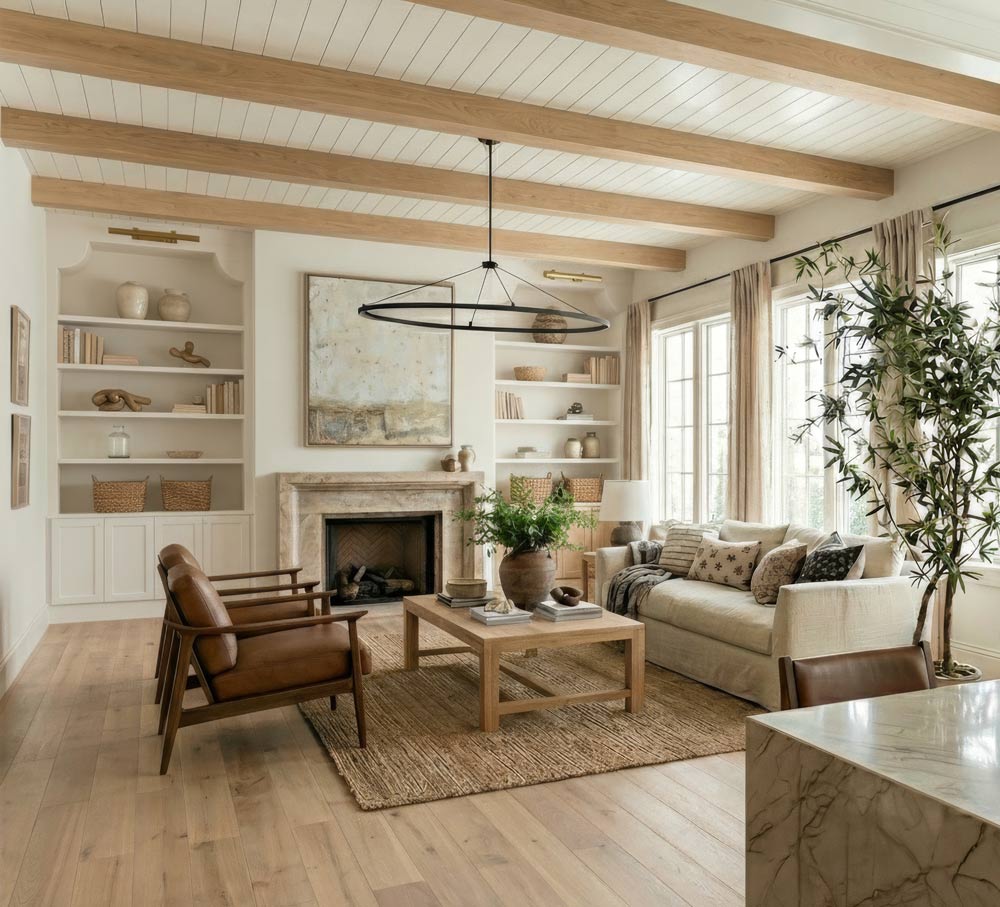
Loved By Thousands of Architects and Designers
ArchRender is a game changer for our business. What would take me hours (and not even get anywhere close to as realistic as these images) literally takes seconds with ArchRender. The 3D programs we’ve been using have been good but incorporating this program will help us level up and set us apart from the competition. Our clients will be so thrilled!
Rosewood Homes & Design Inc.
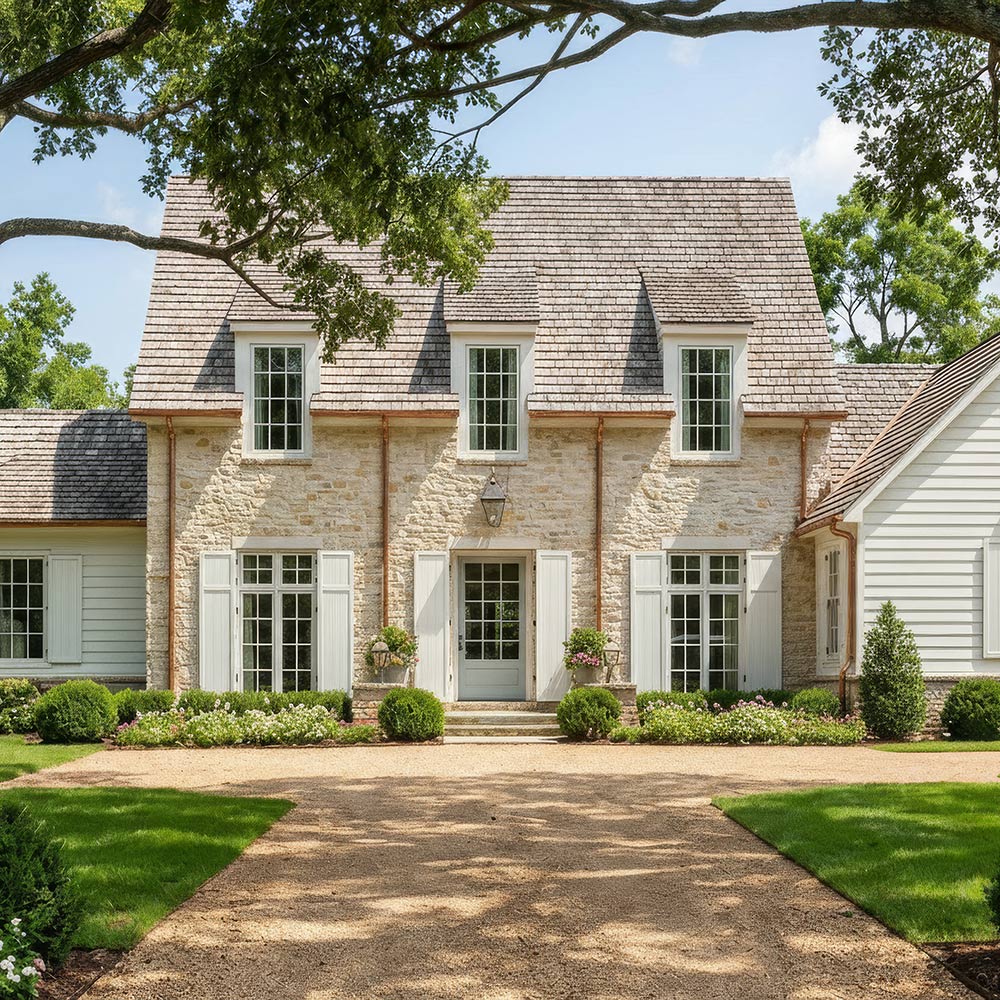
Go further
4K upscaling for presentations and print (1 credit).
Video Mode: turn a render into a 5- or 10-second clip.
Projects: every version and source file stays organized.
You own your renders
You own your renders and can use them commercially. Use them for client presentations, marketing, listings and other commercial work. See our Terms of Service for details.
Who it’s for
Architects testing early concepts with clients
House plan designers turning elevations into marketing images
Students and designers presenting ideas quickly
FAQ
Will the render follow my sketch?
ArchRender renders from your drawing’s view and keeps the output at the same aspect ratio as your input. Results are AI-generated, so check the details before you share them.
Can I change materials after the first render?
Yes. Use Edit Mode, or an area edit to change only one part of the image.
Can I use the renders commercially?
Yes. You own your renders and can use them commercially. See our Terms of Service.
How much does it cost?
Paid plans start at $29 a month for 150 credits. A standard render or edit uses 1 credit and Ultra uses 2. See pricing.
Render any space, any style
From kitchens and bathrooms to full exterior facades, ArchRender turns your photos, sketches and models into photorealistic visuals.